← Back to Home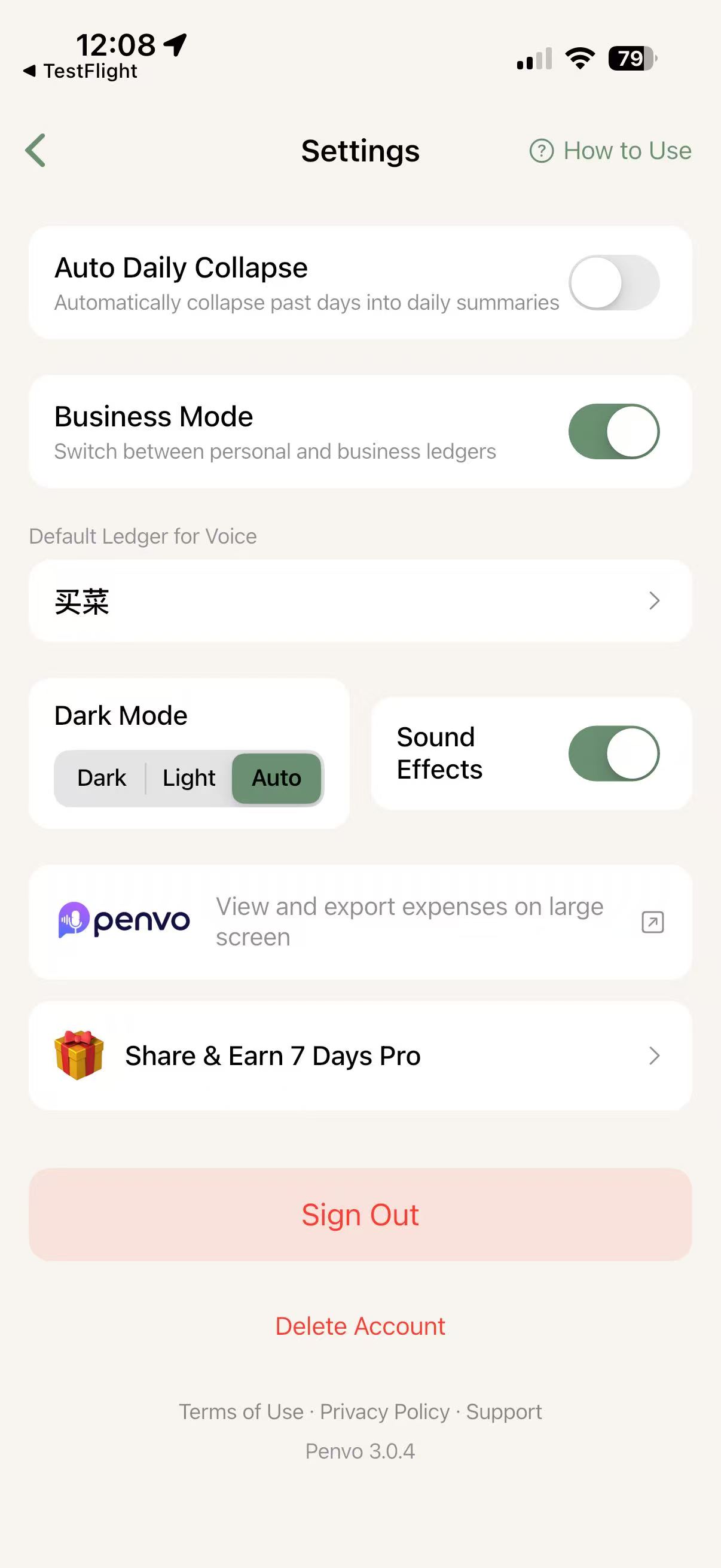
Delete Your Account
To delete your account, open the Penvo app and go to Settings.
Scroll to the bottom and tap Delete Account.
What happens next
- You'll be asked to confirm your identity.
- Once confirmed, your account and all data (expenses, ledgers, settings) will be permanently deleted within 7 days.
- Data that has been shared in a shared ledger will remain visible to other members of that ledger, but will be anonymized.
What gets deleted
- All expense records and transaction history
- All recurring bills, debts, and business ledger data
- Your personal ledgers (shared ledgers you own will be transferred or removed)
- Your account profile and authentication data
- Voice recordings and receipt images
Account deletion is permanent and cannot be undone.