

Or use the Web App to manage your account
AI Expense Tracker · Voice Accounting · Multi-Currency · Receipt Scanner · Siri Shortcuts · Free to Try
Early access
Penvo is still early, and every feature is free while we get it right — voice entry, receipt scanning, shared ledgers, the lot. No card, no trial clock.
If it is useful to you, a word anywhere below genuinely helps people find it. Entirely optional, and it changes nothing about your account.
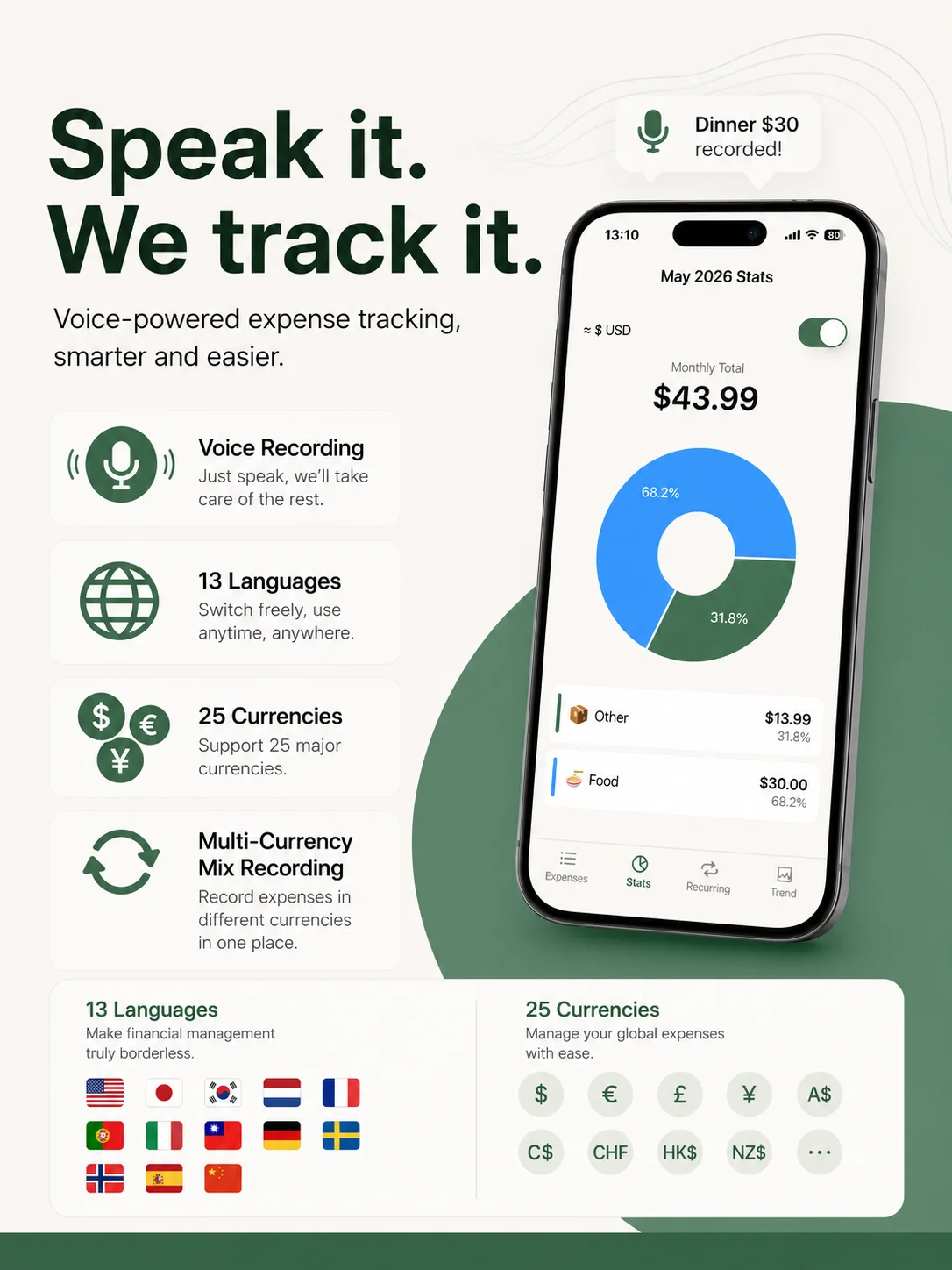
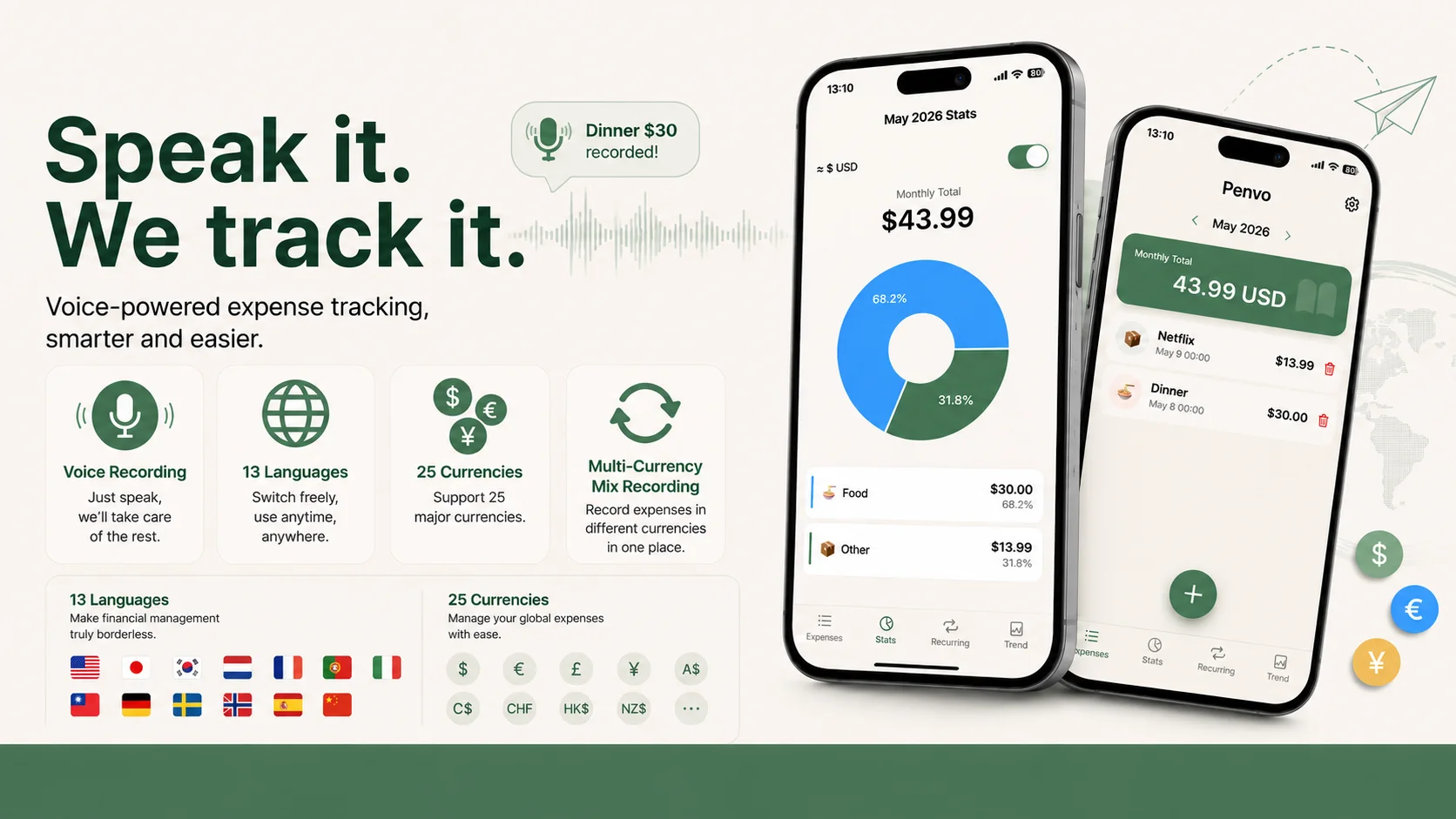
Penvo is an AI expense tracker for iPhone and Android that lets you log expenses by speaking — supports 13 languages, Siri, Apple Watch, and works hands-free while driving, cooking, or walking.
AI Voice Accounting, Hands-Free
More than an accounting app — your intelligent finance assistant

Faster Than Any Other Method
Open the app, say "lunch $38" — done. Our AI expense tracker auto-detects amount, category, and time in 13 languages. No typing, no tapping. Log expenses while driving, cooking, or walking with full hands-free operation.

Personal & Business, One App
Track your daily spending and manage your small business finances in one place. The personal expense tracker handles your bills, the business ledger tracks income, expenses, receivables, and product templates — perfect for freelancers and small business owners.

Split Bills Without the Drama
Group dinners, shared rent, trip expenses — our shared expense tracker lets you split and track who owes what. One tap to mark as settled. Remind debtors via message or email. No more awkward "who paid for what" conversations.

Even Works From Your Wrist
Log expenses instantly from your Apple Watch. Check your monthly summary at a glance. Our multi-currency expense tracker supports 25 currencies with live exchange rates — log in any currency, see totals in your home currency.
100% On-Device, Maximum Privacy
No login required. All your expense data stays on your device — never uploaded to any server. Works completely offline. Optionally encrypt and back up your data to iCloud for safekeeping. Free to use forever with no account needed.
How the AI Expense Tracker Works
Three steps from speech to expense record. No typing needed.
1. Speak Naturally
Just say "lunch $38" or "taxi $25". Use Siri or the voice button to record hands-free.
2. AI Processes Instantly
Penvo's AI extracts amount, category, currency and time from your voice. Supports mixed languages and natural expressions.
3. Done — Stats Updated
Expense saved instantly. Monthly totals and category breakdowns update in real-time. View on your phone or web dashboard anytime.
Start Voice Accounting Today
iOS app with AI voice + Siri shortcuts. Web version also available for managing your data anytime.
Already have an account? Sign In
Simple Pricing
Start free, upgrade when you need more.
Free
$0/month
- AI voice recognition for expense tracking
- Unlimited manual entry
- Apple Watch, Siri, Action Button
- Recurring bills & smart reminders
- Stats & trend charts
- Envelope budgeting for finer tracking
- AA bill splitting
- Private ledgers
- Accept shared ledger invites
- Free web version
- Todo list
- Wishlist
- Collection management
Refer a friend: after they log 20 expenses, you both get 7 free Pro days (up to 10 friends)
Start FreePro
$3.99/month
$29.99/yr
New users: 30-day free trial, all features unlocked
Everything in Free, plus:
- Receipt photo scanning for shopping
- Create shared ledgers & settlement
- Business ledger (income & expense)
- Multi-currency tracking (25 currencies)
Lifetime
$59.99$0
One payment of nothing. Yours permanently.
How to claim
Open Penvo, go to Settings → Feedback, and message me for a code. I’ll send one back in the same thread.
Everything in Pro, forever
- Receipt photo scanning for shopping
- Business ledger (income & expense)
- AA bill splitting
- Apple Watch, Siri, Action Button
- Multi-currency tracking (25 currencies)
- Recurring bills & smart reminders
Prices listed in USD. Subscriptions managed via the App Store or Google Play.
How Penvo compares
See how Penvo stacks up against popular expense trackers
| Feature | Penvo | Mint | YNAB | Spendee | Splitwise |
|---|---|---|---|---|---|
| AI Voice Input | Yes | No | No | No | No |
| Multi-Currency | Yes | No | No | Yes | Yes |
| Receipt Scanner | Yes | No | No | Yes | Yes |
| Siri Shortcuts | Yes | No | No | No | No |
| Apple Watch | Yes | No | Yes | Yes | No |
| Free Plan | Yes | Yes | No | Yes | Yes |
| Business Ledger | Yes | No | No | No | No |
| Shared Ledger | Yes | No | Yes | Yes | Yes |
| Price | Free / $3.99 | Free | $14.99/mo | Free / $2.99 | Free / $4.99 |
Mint has been discontinued (2023). Penvo is the best free alternative with AI voice input.
Guides
How to handle the situations Penvo was built for
Multi-currency expense tracking
Mix 25 currencies in one ledger and keep a total that means something.
Hands-free expense tracking
Five ways to record an expense without opening the app.
For digital nomads
A setup that survives four currencies and no fixed address.
Splitting travel expenses
One shared ledger, one tap to settle at the end of the trip.
Shared expenses with roommates
Rent and bills entered automatically, settled monthly.
Side-business bookkeeping
Keep business and personal apart from the day you pay.
Frequently Asked Questions
Everything you need to know about Penvo
Is Penvo free?
New users get a 30-day free trial with all features unlocked. Penvo's free plan is generous: AI voice input, text entry, unlimited manual tracking, Siri, Apple Watch and the Action Button, recurring bills, stats and trend charts, envelope budgeting, AA bill splitting, private ledgers, accepting shared ledger invites, and full web access — all free. Pro ($3.99/month or $29.99/year) adds receipt scanning, creating shared ledgers, the business ledger, and multi-currency tracking. Earn free Pro: when a friend you invited logs 20 expenses, you both get 7 days — up to 10 friends.
How many languages does Penvo support?
Penvo supports 13 languages: English (US), 简体中文 (China), 繁體中文 (Taiwan), 日本語 (Japan), 한국어 (Korea), Deutsch (Germany), Español (Spain), Français (France), Italiano (Italy), Nederlands (Netherlands), Português, Svenska (Sweden), Norsk (Norway).
How many currencies does Penvo support?
Penvo supports 25 currencies including USD ($), EUR (€), GBP (£), CHF (Fr), JPY (JP¥), KRW (₩), CNY (¥), TWD (NT$), HKD (HK$), SGD (S$), AUD (A$), CAD (C$), and more. Each expense is tagged with its currency, and the dashboard shows the original amounts. Perfect for travelers, expats, and anyone who deals with multiple currencies.
Can I use Siri to record expenses?
Absolutely. Penvo integrates with Siri Shortcuts. Just say "Hey Siri, Penvo record" and speak your expense. Works hands-free while driving, cooking, or walking.
Can I export my expense data?
Yes! Export all your expenses to Excel (.xlsx) from the web dashboard. Filter by date range and download with one click. Data includes date, category, note, amount, currency, and transcript columns.
Does Penvo work offline?
Voice recording works offline. AI processing and cloud sync happen when you're back online. Your data is securely stored and accessible from any device — even if you only brought your Apple Watch.
How does Penvo protect my privacy?
Penvo takes privacy seriously. Your voice recordings are processed on-device when possible. Expense data is encrypted in transit and at rest using industry-standard encryption. Your data is stored on Firebase with strict Firestore security rules — only your authenticated account can access your data through the app. You can delete all your data at any time.
Where is my data stored? Is it secure?
Your data is stored on Google Cloud Firebase, the same infrastructure used by Fortune 500 companies. All data is encrypted at rest (AES-256) and in transit (TLS 1.3). Only you can access your data through your authenticated account. We use Firebase Authentication with industry-standard OAuth 2.0 protocols for Google and Apple sign-in.
Can I use iPhone Action Button or Apple Watch to record expenses?
Yes! On iPhone 15 Pro and newer, assign the Action Button to Penvo's Voice Record shortcut — one press and speak your expense. On Apple Watch, raise your wrist and say "Hey Siri, Penvo record" — perfect for workouts, runs, or when your phone isn't handy.
What is envelope budgeting?
Envelope budgeting is a classic method where you allocate money into categories (envelopes). Each envelope represents a spending category like groceries, dining, or transport. Penvo brings this proven method to your phone — set a budget for each envelope, and Penvo tracks your spending against it, alerting you when you're close to the limit. It's a powerful way to stay disciplined and see exactly where your money goes.
Does Penvo have a local mode without login?
Yes! Penvo offers a local mode that requires no login or account. Just download the app and start tracking — all your expense data stays on your device and never touches any cloud server. You can optionally encrypt and back up your data to iCloud for safekeeping. Local mode is completely free to use forever.
Can I completely delete my account and all cloud data?
Yes, absolutely. You can delete your account at any time from the app or web dashboard. This permanently removes all your cloud-synced data from our servers, including all expenses, ledgers, and personal information. If you use local mode, your data is only on your device and not affected. We believe you should have full control over your data — including the right to erase it completely.
How do I mark an expense as reimbursed?
Swipe left on any expense and tap Reimburse. It then counts as 0 in your spending while the original amount stays visible, and Statistics shows how much was reimbursed this month. Tip: tap any category in Statistics to see every expense behind it — you can swipe to reimburse or delete there too.
Can I add a profile photo?
Yes. Open the Settings tab, tap your avatar to pick a photo, then pinch and drag to frame it. Your photo and nickname are saved to your account, so they come back on a new phone, and members of your shared ledgers see your photo on the ledger card. If you sign in with Google, your Google photo is used until you pick your own.
How do I jump to an earlier month?
Tap the month at the top of the expense list, Statistics or the business report, and pick any month directly — no need to tap the arrows month by month. You can also swipe left and right to move between the five tabs at the bottom.
Love Penvo? Share your experience to help others discover it.
Write a review on Trustpilot